
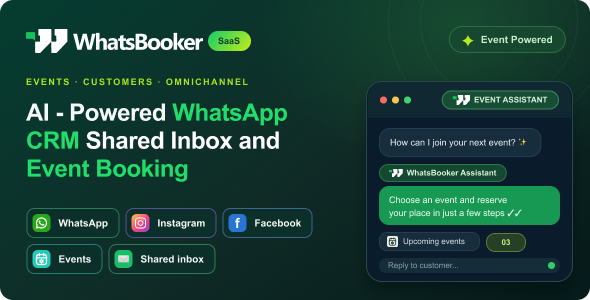
WhatsBooker SaaS — AI-Powered WhatsApp CRM, Automation, Shared Inbox Event Booking

Version Download:
Original price was: $19.00.$3.00Current price is: $3.00.
WhatsBooker SaaS — AI-Powered WhatsApp CRM, Automation, Shared Inbox & Event Booking is a standalone, self-hosted application built with Laravel. Install it on your own compatible server and give your team one workspace for customer conversations, sales follow-ups and event operations.
Connect WhatsApp, Facebook Messenger and Instagram to a shared inbox. Manage contacts and leads, assign conversations, prepare quotes, track bookings and coordinate event tasks. Configure supported campaigns, automation and AI assistance using your own provider accounts.
WhatsBooker also brings guest registration, personal QR tickets and entry validation into your event workflow. The Super Admin area manages the platform and business workspaces, while Business Owners manage their own customers, conversations, bookings and teams.
Independent Laravel application: WhatsBooker runs on its own domain or subdomain with its own installation and database. WordPress is not required.
Who Is It For?
- Event agencies: Keep enquiries, customers, quotes and event plans together.
- Wedding planners and venues: Coordinate client conversations, bookings, guest details and team tasks.
- Conference organisers: Manage registrations, issue guest passes and validate QR tickets at entry.
- Sales and customer service teams: Share conversation context, assign ownership and track the next follow-up.
- Platform operators: Administer separate business workspaces from the Super Admin area.
Use Cases
- Turn a message into a booking: Receive an enquiry, track the lead, prepare a quote and confirm the booking.
- Coordinate customer support: Assign conversations and keep internal notes alongside customer history.
- Stay in touch with guests: Organise opted-in audiences and configure supported invitations, reminders and follow-ups.
- Prepare for event day: Maintain event details, guest records and team responsibilities in one workspace.
- Manage guest entry: Collect registrations, issue personal QR passes and check tickets against live records.
Key Advantages
- Self-hosted: Install WhatsBooker on your own compatible server.
- Connected operations: Work with messaging, CRM and event management in the same application.
- Team collaboration: Give conversations and tasks a clear owner.
- Separate business workspaces: Manage platform administration and business operations through distinct areas.
- Configurable services: Connect supported messaging, AI, email and payment providers.
- Responsive interface: Access the workspace on desktop and mobile, with light and dark modes.
Key Features
DASHBOARD & WORKSPACE OVERVIEW
- Workspace summaries and operational reports.
- Access to conversations, customers, events and team tasks.
- Role-based navigation for business and platform users.
SHARED TEAM INBOX
- Connected WhatsApp, Facebook Messenger and Instagram conversations.
- Conversation search, channel filters and status views.
- Customer identity and contact details beside the conversation.
- Conversation assignments, internal notes and canned replies.
- Per-user unread message counts.
- Approved WhatsApp templates where required by the provider.
CONTACTS & LEAD PIPELINE
- Contact records with phone numbers, email addresses and tags.
- CSV contact import and channel consent fields.
- Lead stages and follow-up tracking.
- Audience organisation through supported segments.
CAMPAIGNS & AUTOMATION
- Campaign scheduling for supported connected channels.
- Approved message template management and import.
- Campaign recipient results and provider status tracking.
- Configured automation triggers, conditions and actions.
- Auto-reply configuration for supported workflows.
AI ASSISTANCE & KNOWLEDGE
- Supported AI provider configuration.
- Business knowledge sources for the available assistant tools.
- AI-assisted customer response workflows.
AI features require your own supported provider account and credentials. Provider usage charges apply.
QUOTES, SERVICES & BOOKINGS
- Services and packages for itemised quotes.
- Quote approval and booking workflows.
- Booking records and payment schedules.
- Supported Stripe booking payment collection after account and webhook configuration.
- Before making a purchase, please read the Terms and Conditions on this page: Terms & Conditions
- If you have any questions, please first read the FAQ on this page: FAQ
- If you haven’t found the answer to your question, please contact us by e-mail codingshop20@yahoo.com or create ticket.
- Developer Support: Official support from the original developer is not included with purchases from CodingShop.
- Product Updates: Free lifetime updates are not included. Future updates is not free and should buy again.
- Download Access: Purchased products are available for download for 30 days after purchase. We recommend downloading and securely storing your files during this period.
- Security: We take reasonable measures to review the files available on our platform. Customers should also scan downloaded files with up-to-date security software before installation.
- All software products available on CodingShop are distributed under the GNU General Public License (GPL). The applicable license information is provided with each product where applicable. Please review the applicable GPL license terms before using, modifying or redistributing any product.
- CodingShop is an independent digital marketplace and is not the original developer or official distributor of third-party products unless explicitly stated. We do not provide or sell purchase codes, activation codes, license keys.
- You can download the product after the purchase by a direct link on your account page in the downloads section.
Related Products

Resumen – Sass MultiStep Resume Builder
Radio.net Scraper : Radio Stations Extraction 1.3
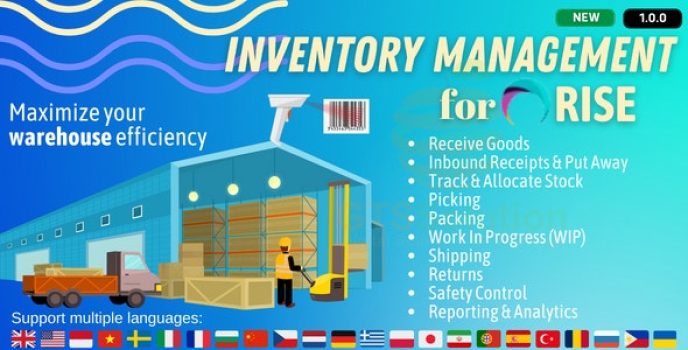
Inventory Management plugin for RISE CRM

SalePro POS, Inventory Management System, HRM Accounting
JAAS (Jitsi as a Service or 8×8) Integration for RISE CRM