

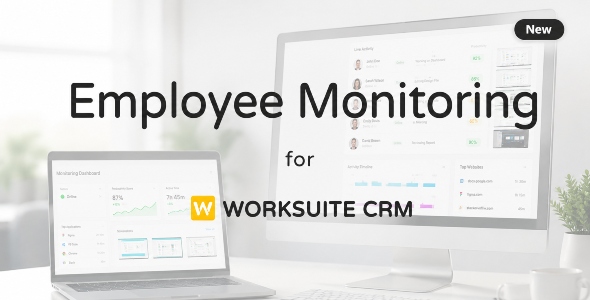
Employee Monitoring Module For Worksuite CRM

Version Download:
Original price was: $29.00.$5.00Current price is: $5.00.
Give your Worksuite CRM installation real-time visibility into how your remote and in-office teams actually work. This module adds a complete employee monitoring layer on top of Worksuite — screenshots, app & website usage, keyboard/mouse activity, idle detection, and task-level time tracking — all surfaced in a manager dashboard built natively into your existing Worksuite panel.
Note: This Module is not a standalone product and is only compatible with Worksuite
No separate monitoring tool, no separate login, no exporting data between systems. Your HR and project managers get monitoring insights right next to attendance, payroll, and project data they already manage in Worksuite.
What This Item Includes
This CodeCanyon item is the Laravel server module that installs into your existing Worksuite CRM codebase. It includes:
- Complete manager/HR web dashboard (Blade + Tailwind, matches Worksuite’s existing UI)
- Live activity monitoring, screenshots, timeline, and idle tracking views
- 8 built-in analytics reports (see below)
- Full REST API module for agent communication — latest version, covering authentication, config sync, activity/screenshot ingestion, pause/resume, task timers, and employee-facing endpoints
- App & website productivity classification engine with admin-managed rules
- Database migrations, seeders (~300 pre-classified apps/sites), and queued background jobs for nightly scoring and classification
Important — please read before purchasing: This item is the server-side Laravel module only. The desktop monitoring agent (the lightweight app installed on each employee’s Windows/macOS computer that actually captures activity and syncs it to this module) is sold separately. This is because each agent installer must be built with your server URL embedded directly into it at build time — it cannot be a generic download. See the “Desktop Agent” section below for details.
Key Features
- Live team dashboard — see who’s online, idle, or offline in real time
- Screenshots — configurable capture interval, thumbnail previews, cloud storage support (S3/R2 compatible)
- App & website tracking — automatic productivity classification with favicon/app-icon display
- Keyboard & mouse activity — activity-level windows without keystroke logging content
- Idle detection — automatic idle flagging with configurable thresholds
- Task time tracking — employees start/stop timers against Worksuite tasks and projects directly from the agent
- Pause & resume — employees can pause monitoring with a logged reason (breaks, personal time)
- Policy compliance & alerts — tamper detection, USB events, large upload flags
- Configurable per-organization rules — override global productivity rules per company
8 Built-In Analytics Reports
- Daily productivity score
- Work pattern heatmap
- Idle pattern analysis
- Team productivity ranking
- Department efficiency
- Policy compliance rate
- Project time distribution
- App & website usage breakdown (with logos)
- Before making a purchase, please read the Terms and Conditions on this page: Terms & Conditions
- If you have any questions, please first read the FAQ on this page: FAQ
- If you haven’t found the answer to your question, please contact us by e-mail codingshop20@yahoo.com or create ticket.
- Developer Support: Official support from the original developer is not included with purchases from CodingShop.
- Product Updates: Free lifetime updates are not included. Future updates is not free and should buy again.
- Download Access: Purchased products are available for download for 30 days after purchase. We recommend downloading and securely storing your files during this period.
- Security: We take reasonable measures to review the files available on our platform. Customers should also scan downloaded files with up-to-date security software before installation.
- All software products available on CodingShop are distributed under the GNU General Public License (GPL). The applicable license information is provided with each product where applicable. Please review the applicable GPL license terms before using, modifying or redistributing any product.
- CodingShop is an independent digital marketplace and is not the original developer or official distributor of third-party products unless explicitly stated. We do not provide or sell purchase codes, activation codes, license keys.
- You can download the product after the purchase by a direct link on your account page in the downloads section.
Related Products

Laravel Form – HTML Form Generator – Admin Template

BMCleaner Pro – Full Application Source Code

BusinessBook – Inventory & Accounting Management Software
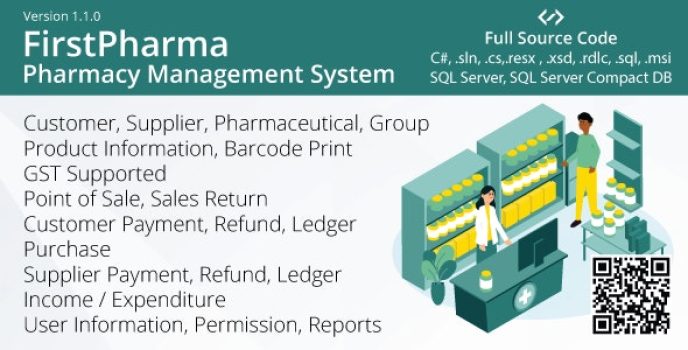
FirstPharma – Pharmacy Management System (POS, GST, C#, MSSQL)

Crypto Trades – Opensea Clone using ERC721 1.3
